
When you have an item you want to appear on your calendar over multiple days such a a multi-day gig, or a vacation, or dates you are otherwise unavailable, the duration portion of the gig record now allows for that.
Simply select a start time, then set the days, hours, and minutes from the dropdown boxes. The selected duration will then appear on your calendar.
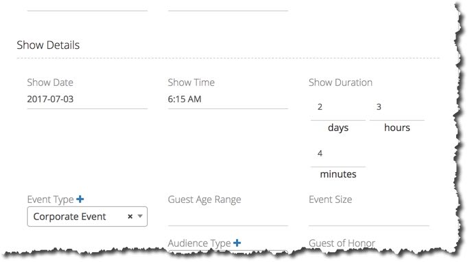
NOTE: The calendar will not display the duration properly if you do not set a start time. If you leave out the start time, the calendar will only show the first day of the multi-day event.